


Introduction
Telegram has become one of the world’s most popular messaging applications, offering secure communication, cloud-based messaging, large group support, channels, bots, and file sharing capabilities. With millions of active users worldwide, Telegram is widely used for personal communication, business collaboration, education, community building, and content distribution.
However, in several countries and regions, users occasionally face issues where Telegram becomes inaccessible, partially restricted, or completely blocked. This situation often leads users to search for terms such as “Telegram blocked,” “Telegram not working,” “Telegram ban,” and “Telegram access issues.”
In this article, we will explore what a Telegram block means, why governments or organizations may restrict access, how such restrictions affect users, and the legitimate ways users can troubleshoot connectivity issues while complying with local laws and regulations.
What Does “Telegram Blocked” Mean?
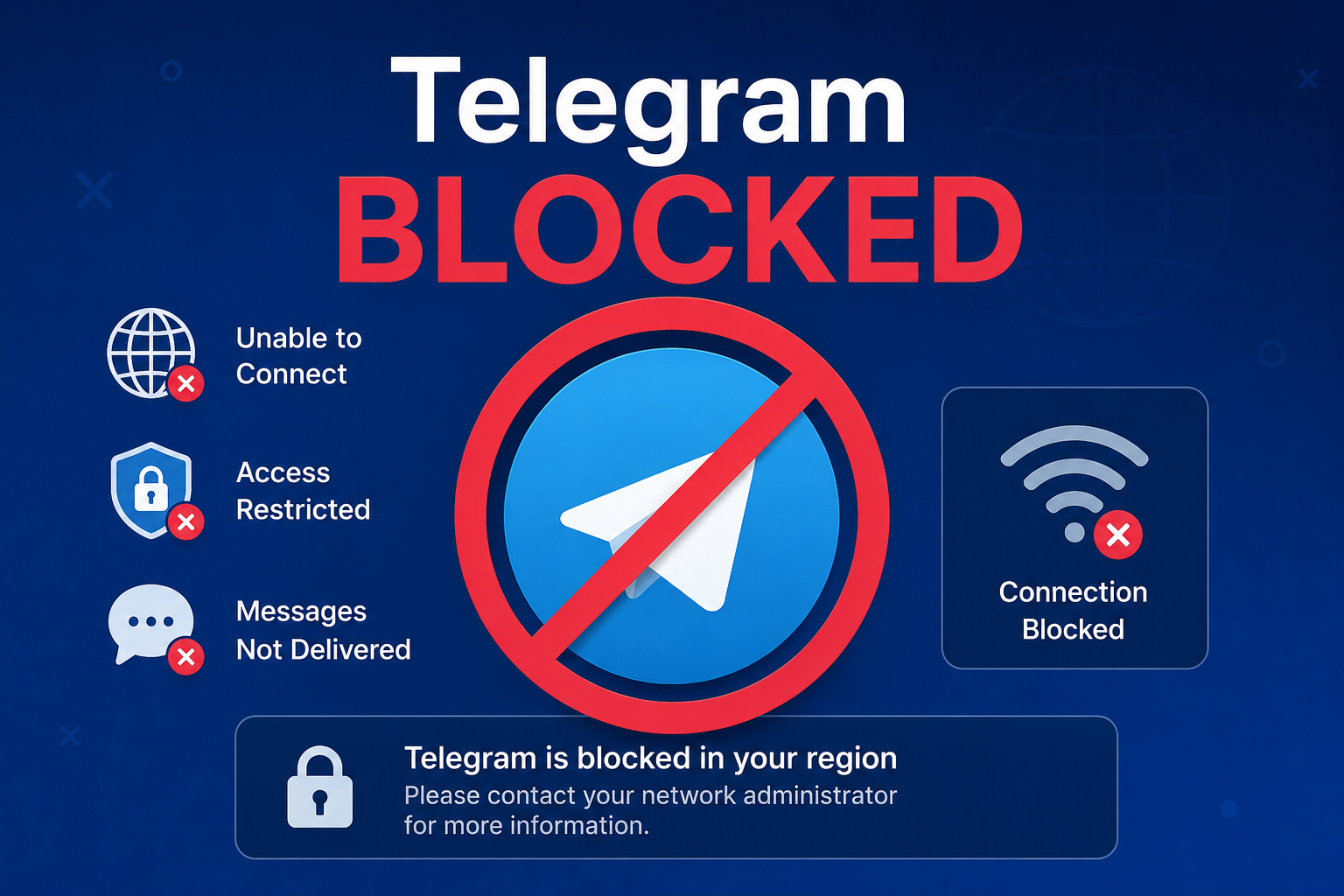
When Telegram is blocked, users may experience one or more of the following issues:
- Unable to send or receive messages
- Telegram app fails to connect to servers
- Channels and groups stop loading
- Media files cannot be downloaded
- Telegram Web becomes inaccessible
- Voice and video calls fail to connect
A block does not always mean Telegram itself has stopped functioning. In many cases, restrictions occur at the network, organizational, or regional level.
Why Is Telegram Sometimes Blocked?
There are several reasons why Telegram access may become restricted.
1. Government Regulations
Some governments temporarily or permanently restrict access to messaging platforms due to concerns related to:
- National security
- Public safety
- Misinformation control
- Cybercrime investigations
- Regulatory compliance requirements
Different countries have different policies regarding encrypted communication platforms.
2. Workplace Restrictions
Many organizations block Telegram on company networks to:
- Improve employee productivity
- Prevent data leakage
- Reduce security risks
- Enforce IT policies
Employees may find that Telegram works on mobile data but not on office Wi-Fi.
3. Educational Institution Policies
Schools, colleges, and universities may block social networking and messaging applications to reduce distractions and preserve network bandwidth.
4. Internet Service Provider Issues
Sometimes Telegram appears blocked due to:
- DNS issues
- ISP outages
- Network routing problems
- Temporary technical failures
In such cases, the problem may resolve automatically after some time.
Countries That Have Restricted Telegram at Various Times
Throughout its history, Telegram has faced restrictions in different regions due to legal, political, or regulatory concerns.
Examples include:
- Russia (historically imposed restrictions)
- Iran
- China
- Pakistan (temporary restrictions)
- Certain Middle Eastern countries
Policies frequently change, and users should always verify the latest regulations applicable in their location.
Common Signs That Telegram Is Not Working
Many users assume Telegram has been blocked when the issue may actually be technical.
Signs of a Possible Restriction
- Endless “Connecting…” message
- Messages remain stuck with a clock icon
- Channels fail to refresh
- Telegram Web does not open
- Calls disconnect immediately
Signs of a Technical Issue
- Weak internet connection
- Mobile data disabled
- Outdated Telegram application
- Device storage issues
- Temporary Telegram server outage
Understanding the difference helps users troubleshoot effectively.
How to Check Whether Telegram Is Down
Before assuming Telegram has been blocked, users should perform basic checks.
Step 1: Test Other Websites
Try opening:
- News websites
- Search engines
- Social media platforms
If everything else works, Telegram may be experiencing a specific issue.
Step 2: Check Telegram Server Status
Users can monitor:
- Official Telegram announcements
- Technology news websites
- Online outage monitoring services
Large-scale outages are usually reported quickly.
Step 3: Test Multiple Networks
Try:
- Mobile data
- Home Wi-Fi
- Public Wi-Fi
If Telegram works on one network but not another, the issue may be network-specific.
Business Impact of Telegram Restrictions
Telegram is not just a messaging app. Many businesses rely on it for daily operations.
Marketing
Businesses use Telegram channels to:
- Share updates
- Promote products
- Build communities
- Provide customer support
Restrictions can disrupt communication with customers.
Education
Many educators use Telegram for:
- Study materials
- Class announcements
- Assignment distribution
- Student discussions
Access issues may interrupt learning activities.
Remote Work
Telegram groups often support:
- Team collaboration
- Quick communication
- File sharing
- Project discussions
Restricted access can reduce productivity.
Telegram Features That Make It Popular
Understanding Telegram’s popularity helps explain why restrictions often attract attention.
Cloud-Based Messaging
Messages synchronize across:
- Smartphones
- Tablets
- Desktop computers
- Web browsers
Users can continue conversations from multiple devices.
Large Groups
Telegram supports very large communities, making it attractive for:
- Businesses
- Educational institutions
- Content creators
- Public communities
Channels
Channels enable one-way broadcasting to large audiences.
Popular uses include:
- News updates
- Educational content
- Product announcements
- Industry insights
File Sharing
Users can exchange:
- Documents
- Images
- Videos
- Presentations
- Software files
This functionality supports both personal and professional communication.
Security and Privacy Considerations
Telegram emphasizes user privacy and security.
Key features include:
- Encryption technologies
- Two-factor authentication
- Privacy controls
- Device management tools
- Account protection features
Users should always follow security best practices, including:
- Using strong passwords
- Enabling two-step verification
- Avoiding suspicious links
- Updating applications regularly
Legal and Ethical Considerations
When access restrictions exist, users should remain aware of:
- Local regulations
- Organizational policies
- Terms of service
- Legal requirements
Compliance with applicable laws is important regardless of the platform being used.
Organizations often implement restrictions for security and governance reasons, and users should understand the rationale behind such policies.
Telegram Alternatives
If Telegram is unavailable, several communication platforms offer similar functionality.
Popular for personal communication and business messaging.
Features include:
- End-to-end encryption
- Voice calls
- Video calls
- Group chats
Signal
Known for strong privacy features.
Benefits include:
- Open-source technology
- Secure messaging
- Minimal data collection
Microsoft Teams
Widely used in enterprise environments.
Suitable for:
- Meetings
- Collaboration
- Document sharing
Slack
Popular among businesses and technology teams.
Offers:
- Channels
- Integrations
- Collaboration tools
Discord
Originally designed for gaming communities but now widely used for:
- Education
- Professional communities
- Interest groups
Troubleshooting Telegram Connection Problems
If Telegram stops working, consider the following troubleshooting steps.
Restart the Application
Close Telegram completely and reopen it.
Update Telegram
Install the latest version from the official app store.
Restart the Device
A simple reboot can resolve many connectivity issues.
Check Internet Connectivity
Verify that:
- Mobile data is active
- Wi-Fi is connected
- Network speeds are stable
Clear Cache
Large cache files can sometimes affect performance.
Verify Account Status
Ensure that your account has not been restricted due to policy violations.
Impact of Telegram Blocks on Digital Communication
Messaging platforms have become central to modern communication.
When a platform becomes inaccessible, effects may include:
- Reduced information sharing
- Business disruptions
- Delayed customer communication
- Community fragmentation
- Reduced collaboration efficiency
As digital communication continues to evolve, balancing accessibility, privacy, security, and regulatory requirements remains an ongoing challenge worldwide.
Future of Telegram
Telegram continues to expand its ecosystem through:
- Enhanced messaging features
- Business tools
- Premium subscriptions
- Improved security capabilities
- AI-powered functionality
The platform remains a major player in the global messaging landscape despite periodic restrictions in certain regions.
As governments, organizations, and technology providers continue to navigate issues related to digital communication, Telegram’s role in connecting people worldwide is likely to remain significant.
Conclusion
The phrase “Telegram blocked” can refer to various situations, including government restrictions, workplace policies, educational network controls, ISP-related issues, or temporary technical problems. Before assuming a complete ban, users should investigate potential connectivity issues and verify whether the problem is local, regional, or platform-wide.
Telegram remains one of the most powerful messaging platforms available today, offering cloud synchronization, large communities, secure communication, and extensive content-sharing capabilities. Whether used for personal conversations, education, business communication, or community management, Telegram continues to play an important role in modern digital communication.
Understanding the causes of Telegram restrictions, recognizing common symptoms, and following legitimate troubleshooting practices can help users better manage connectivity issues while respecting applicable laws and organizational policies.